Upload invoice PDFs, drag the crop box over the label, and download print-ready files quickly without compromising accuracy.
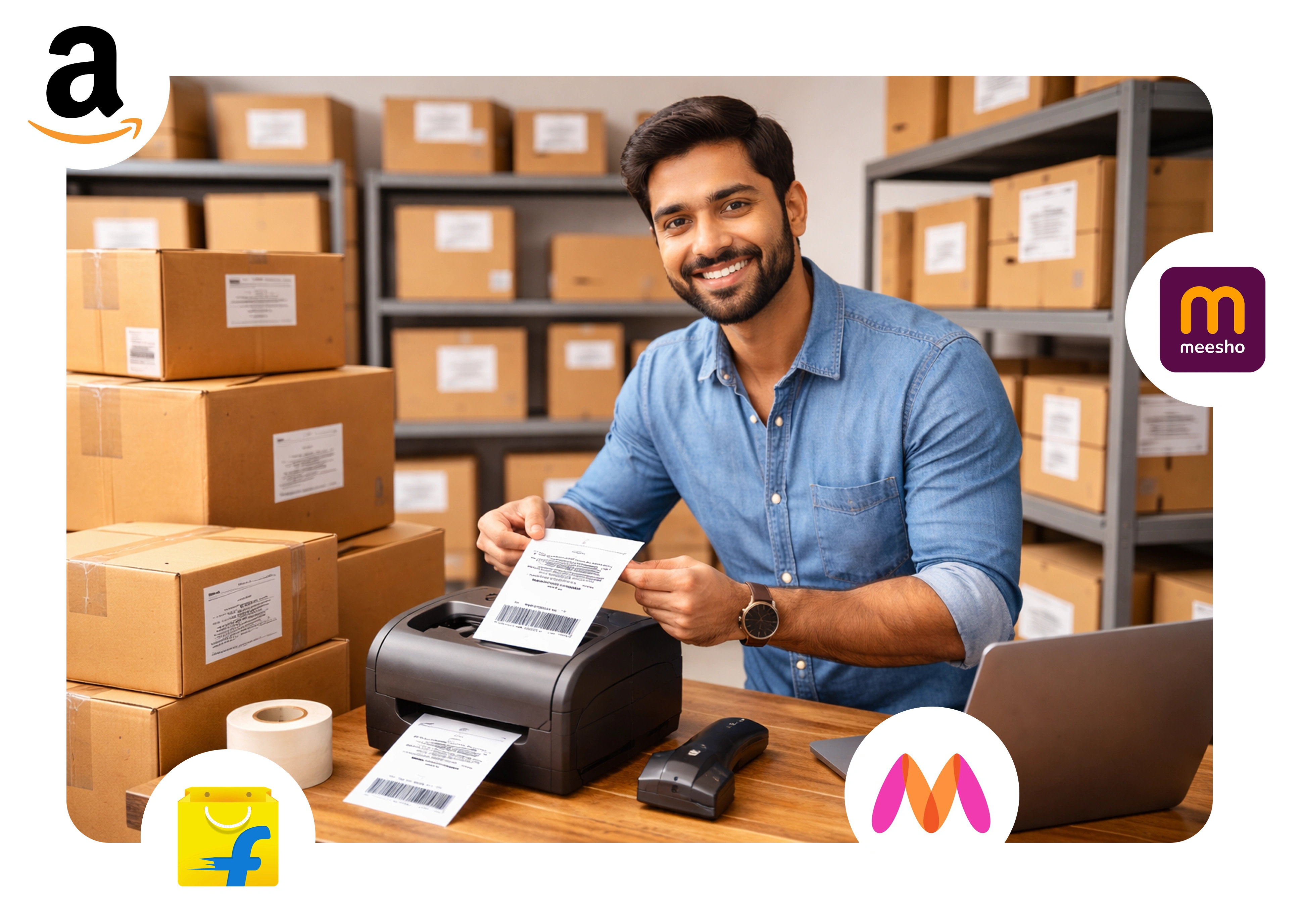
Designed for ecommerce sellers who need fast, reliable label cropping every single day.
Upload PDFs and get cropped labels in seconds. Thermal mode opens with a fixed 100×150mm crop box.
Support for thermal 4×6 labels and A4 sheet grids. Configure labels per sheet for batch printing.
Everything runs locally in your browser. No data is uploaded to any server. Your invoices stay yours.
Upload your Amazon Label PDF, Flipkart Label, Meesho Crop Label, or Myntra Shipping Label file using the “Upload New PDF” button. You can also drag and drop your label into the upload area for faster access.

Select between Thermal Printer Mode or A4 Sheet Layout for your eCommerce labels. Perfect for Flipkart Crop Label or Meesho PDF Crop where alignment and print size matter most.

Use the PDF Cropper to adjust and trim your label area. Whether it’s Amazon Crop Label or Flipkart Shipping Label Crop, you can fine-tune it for a clean and professional result.

Merge multiple pages using our Free PDF and Merge Tool or Quick Label Crop Tool. Download your final label PDF instantly — perfect for Amazon, Flipkart, Meesho, and Myntra Sellers who need fast, accurate label printing.
Specialized Tools
Browser-side Processing
No Signup Required
Crop and print your ecommerce shipping labels in seconds.
Upload a PDF invoice or shipping label from Amazon, Flipkart, Meesho, or Myntra.
Drag the crop box to the label area and select thermal mode or A4 layout.
Download the cropped label PDF and print instantly using a thermal printer or A4 sheets.
Each tool is tuned for its platform's invoice format. Pick yours and start cropping.
Crop Amazon Seller Central invoices into 4×6 thermal labels or A4 sheets. Perfect for FBA and FBM shipments.
Open ToolTrim Flipkart shipping labels with a precise crop box, then print thermal labels or packed A4 grids.
Open ToolClean Meesho invoice PDFs and ship faster with ready-to-print label crops for thermal printers and A4 sheets.
Open ToolCrop Amazon shipping labels in seconds with our fast and free Amazon label cropper. Upload your PDF and generate clean print-ready labels instantly.

 All Tools
 Amazon Label Cropper
 Flipkart Label Cropper
 Meesho Label Cropper
 Myntra Label Cropper